|
| |||||||||||||||||||||||
|
DeadHusky
(Aug 4, 2007)
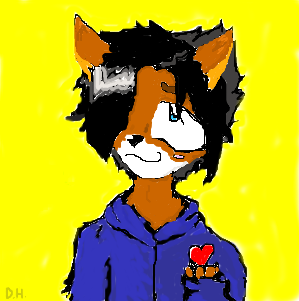
my emo kitsune :D he is so cyute! sorry bout how long it took :o i coloured really slowly, and it still turned out to look bad!! woo freaking hoo!!N.E.S |
| ||||||||||||||||||||||
| 0 comments |
| ||||||||||||||||||||||
|
TaCO
(Aug 4, 2007)
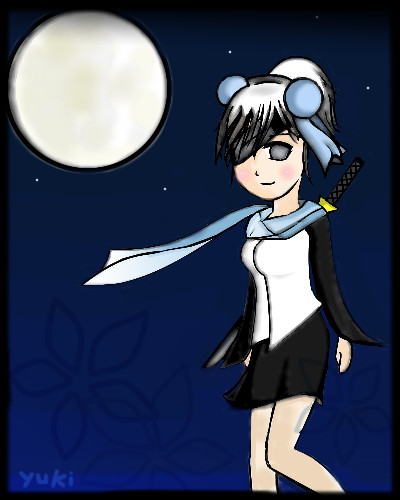
ref used
davincipoppalag (Aug 4, 2007)
The calf looks too thin in relation to the leg beneath it ? I always like less fuzzy blur but I know you probably intended to do it that way
TaCO (Aug 5, 2007)
Yeah the proportions aren't perfect.Proportions weren't my main concern in this study, but I still tried to keep It fairly accurate. Just trying to create a good base. I need a little more practice, before I start upping the detail. |
| ||||||||||||||||||||||
|
DieChan
(Aug 4, 2007)
There's an annoying reason why Play With Me is the last song on the set list. >> *anger*Edit: I needed the space from the intermediate board, but I can't move it myself. :<
pandii (Aug 4, 2007)
nice drawing ^^
DeadHusky (Aug 4, 2007)
ah! guitar hero!! ^.^ vwerrrrry cute!
hideyourface (Aug 5, 2007)
beginner board plz |

| ||||||||||||||||||||||
|
Nukunukuneko
(Aug 4, 2007)
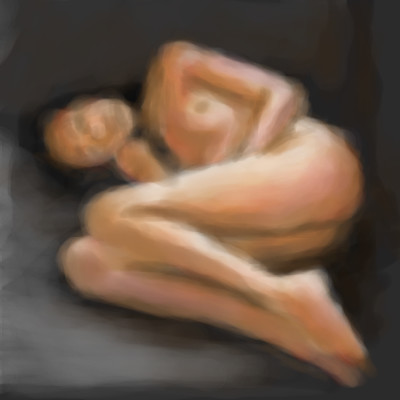
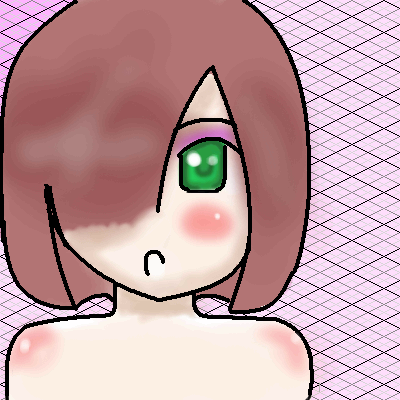
gawd, 42 minutes and i pull out this lolXDDwhatever, it's my very first one so i can't expect too much
deathking (Aug 4, 2007)
Its okay to use tools if you want nice lineart but hair doesnt really ever need airbrush. Also this is cute but try not to abuse blend and remember just because you drew it doesnt mean you must submit it.
Nukunukuneko (Aug 5, 2007)
actually , all i just need are some tips |
| ||||||||||||||||||||||
|
Lalai
(Aug 4, 2007)
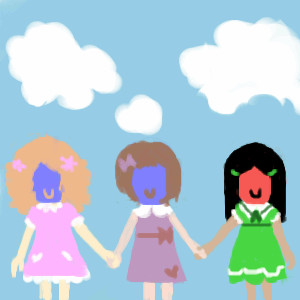
I'm not the greatest friend in the world but I wish I was. |
| ||||||||||||||||||||||
|
jessdel
(Aug 3, 2007)
Well, i decided to try pencils and halftone. not finished. hope you people like it. Any requests? Done with my tablet mouse.
Great_white (edited Sep 1, 2007)
... |

| ||||||||||||||||||||||
|
pukpukpuk
(Aug 4, 2007)
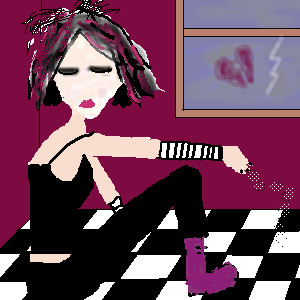
yeah.. |
| ||||||||||||||||||||||
|
vapor
(Aug 4, 2007)
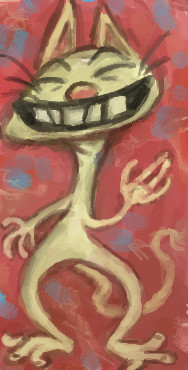
cat character.
davincipoppalag (Aug 4, 2007)
This would be a terrific t-shirt..
Punky (Aug 4, 2007)
What personality! I love these characters you've been doing lately. |
| ||||||||||||||||||||||
|
Mocha_Bean
(Aug 3, 2007)
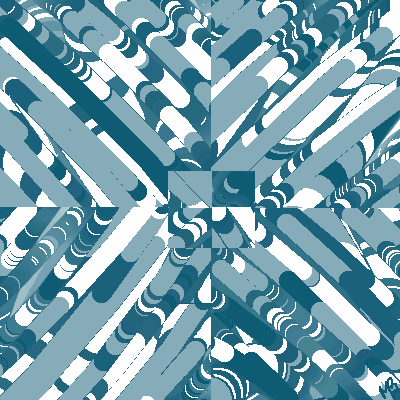
Again, I don't know what's going on in here. I should think before I submit, lol.
davincipoppalag (Aug 3, 2007)
I think it looks like a picture that has been shredded and then put back together randomly. It's cool
cmb (Aug 3, 2007)
mm lovely pattern!
Sweetcell (Aug 4, 2007)
It does look like a Google image in the thumb, but when you see it as a whole it would make a great design on a nice long sleeved blouse. Ok, I think I got the shopping bug. :)
Mocha_Bean (Aug 4, 2007)
Thank you all! :D |
| ||||||||||||||||||||||
| |||||||||||||||||||||||
| 2draw.net © 2002-2025 2draw.net team/Cellosoft - copyright details - 4.97sec (sql: 34q/4.90sec) |
As for the layers it's pretty much like Oekaki Shi or BBS. The bottom layer (or layer 1) is the bg and any layer added on is one over the other. You'll find layers on the left of the screen below the window that shows the steps you've taken coloring your picture.
There are small icons, place your mouse over the icons and it will tell you which is which (add layer, merge layer, delete, etc.) There are a lot of great tools in Lascaux including a gradient tool (the little purple pink box in the tools section) comes in handy.
And to make cleaner lineart try the airbrush on med flow/opacity making thick lines then going back with the erasure to shave it down, takes more time but the result is clean thin smooth lines. And if your a heavy blur tool user.... don't. Please think of the children ;).
Nice first piece, again don't worry about taking time here, it's welcomed. Best way to improve. Hello and nice to have you here DH.