|
| |||||||||||||||||||||||
|
HI
0 comments
|
| ||||||||||||||||||||||
| 0 comments |

| ||||||||||||||||||||||
|
OtaruIkari
(Dec 17, 2002)
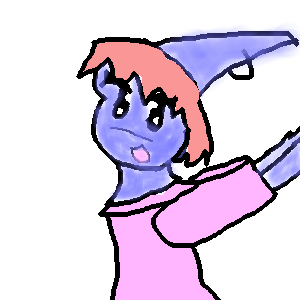
will finish later
marcello (edited Dec 17, 2002)
I like this style where you don't cover up the outlines. :-) keep up the good work.
OtaruIkari (edited Dec 18, 2002)
Thanks ^_^
Samwise (edited Feb 26, 2003)
So kewl =D |
| ||||||||||||||||||||||
|
Hairei
(Dec 17, 2002)
Hello ^^ |

| ||||||||||||||||||||||
|
furyofroy
(Dec 16, 2002)
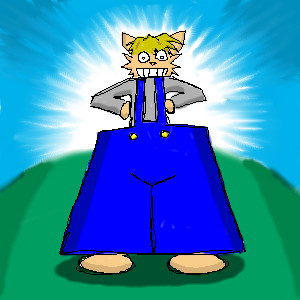
Roy be wearin the big daddy pants
Fin_beast (edited Dec 16, 2002)
LOL
cherikit-chan (edited Dec 27, 2002)
hahahahaha!!!! |
| ||||||||||||||||||||||
|
Fin_beast
(Dec 16, 2002)
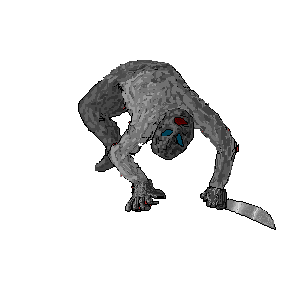
Ahhhhhhhhh!!!!!!!!! 4 god sake!!! i was trying to work out how to use layers for 3/4 of an hour! and in the end i dont know how 2 use them could sumone please like tell me what to do. I want to draw a bakround and then put the man on! He looks like hes kinda on the floor but hes meant to be in the air! ohh well!
furyofroy (edited Dec 16, 2002)
You can't just "put" the ninja on an already-made background. What i do is make a new layer for the background, change the "normal" above the new layer to "And", and paint out my background. I paint over the person in the drawing while I'm doing the background, and when I'm finished with the background, I erase the paint inside the figure so that it looks like the person was "put" onto the background. If you're still wondering about it, watch the animation on my "sexy cheetah" drawing, or memo me. Or, you can memo marcello and he'll probably give you a more detailed explanation.
Fin_beast (edited Dec 16, 2002)
thanks furyofroy |
| ||||||||||||||||||||||
|
furyofroy
(Dec 14, 2002)
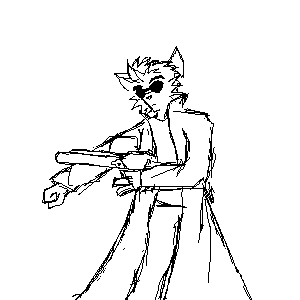
Dammit, Marcello, can you erase this? I'm not gonna work onnit anymore...I lost interest.
marcello (edited Dec 16, 2002)
Ok, this is how you do it:First select the rotate tool (second row, fourth column), then set the angle (the little black box that says "Angle", above where you resize your brush). Drag it to 90 or -90 or whatever angle you want, then draw a rectangle in the canvas around what you want to rotate, and that should do it!
furyofroy (edited Dec 17, 2002)
alrighty! Thnx |
| ||||||||||||||||||||||
|
Fin_beast
(Dec 13, 2002)
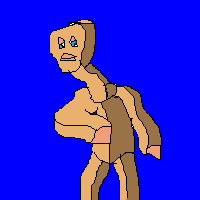
A wood man! I like the darks and lights! |
| ||||||||||||||||||||||
|
OtaruIkari
(Dec 13, 2002)
Happy holidays to all of you ^_^
rydicanubis (edited Dec 13, 2002)
and happy holidays to you too!!!!!(hands you a tall glass of chocolate eggnog) |

| ||||||||||||||||||||||
|
Fin_beast
(Dec 13, 2002)
View The animation!Rate it plz. Or tell me what the best drawing is on my user page? Please! I know they are all rubbish anyway.
furyofroy (edited Dec 14, 2002)
The animation sorta looks like a really freaky dream i had in elem. school. yikes. but it IS cool.
Feriona_789 (edited Dec 17, 2002)
your animation is okay (average) becuase you started off with all kinds of other animals, and didn't start with you know what you were gonna draw.But other than that it's cool, and great!^^ |
| ||||||||||||||||||||||
| |||||||||||||||||||||||
| 2draw.net © 2002-2025 2draw.net team/Cellosoft - copyright details - 4.47sec (sql: 29q/4.42sec) |